NEW VERSION: ALCAD Standard & Professional 2026
What's New in ALCAD 2026?
ALCAD 2026 delivers major improvements that make everyday work faster, smoother, and more enjoyable. With a refreshed interface and strong performance boosts, this version focuses on speed, clarity, and modern workflows.
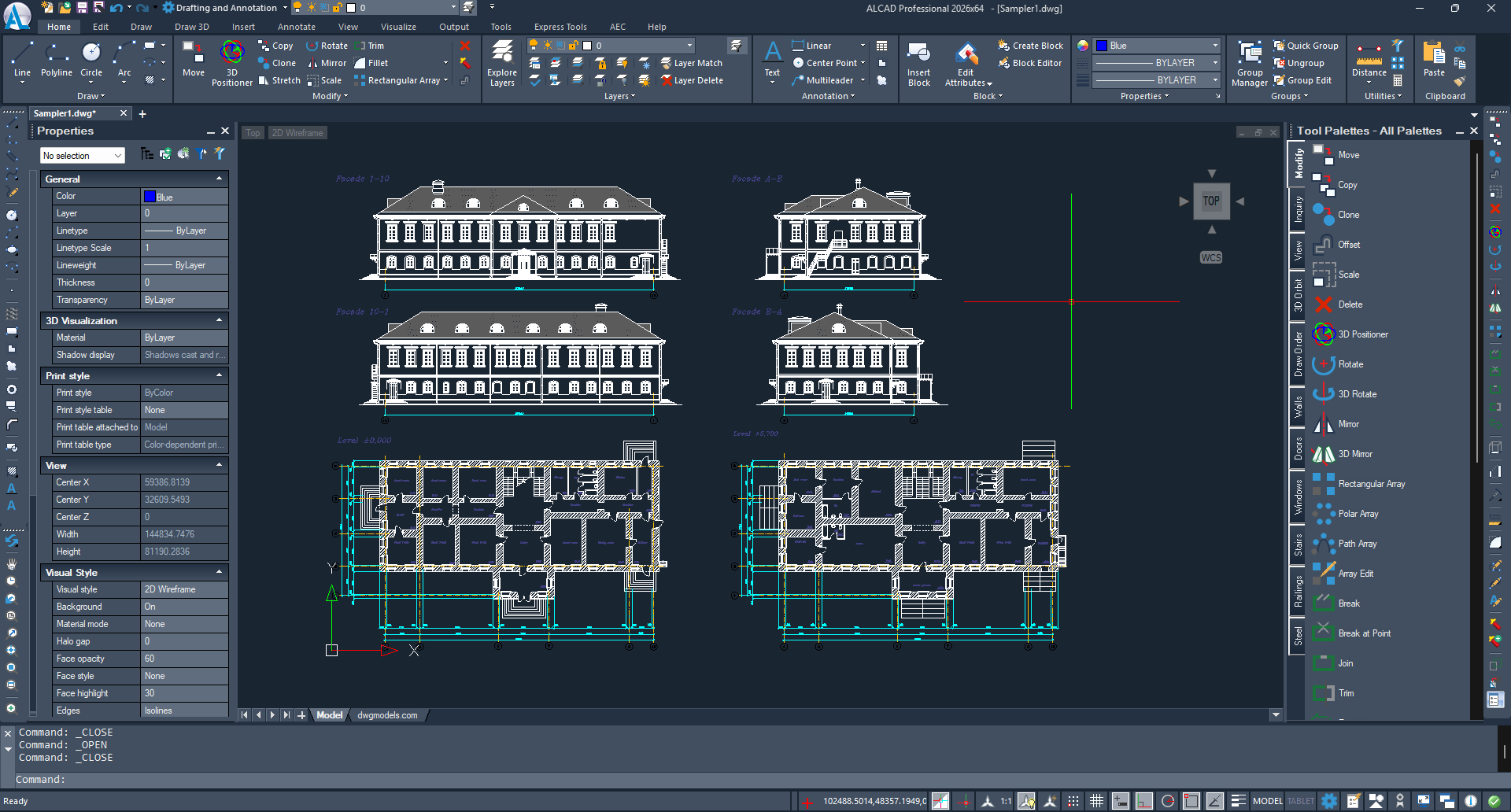
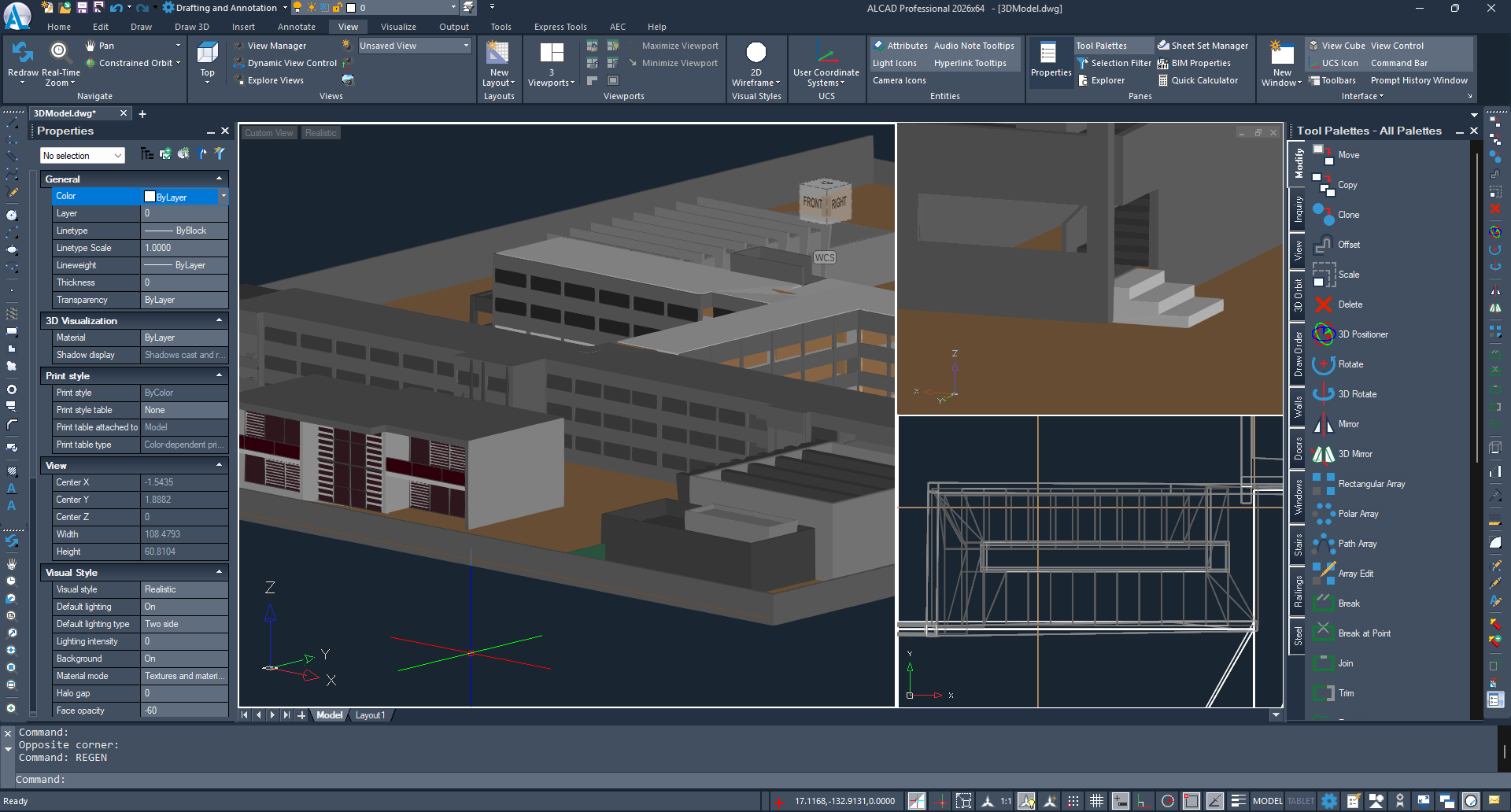
Fresh, Modern Design
ALCAD 2026 introduces a visually updated interface that feels clean and professional:
-
New Dark Theme for comfortable long-hour work
-
Over 150 redesigned icons
-
Improved appearance in Dark, Light, and Gray modes
Your workspace now looks more focused and modern, helping you stay productive throughout the day.
Massive Performance Boosts
ALCAD 2026 is significantly faster — and you will feel it immediately.
Key improvements include:
-
Copy to Clipboard: up to 30× faster
-
Break command: up to 12× faster
-
Speed increases in:
-
Move
-
Union
-
View changes
-
Grip editing
-
The result is a much more responsive and fluid drawing experience.
ALCAD 2026 starts faster, reacts faster, and runs noticeably smoother.
QR Codes in Your Drawings
With the new QRTEXT and QRLEADER commands, you can embed QR codes directly into your drawings.
Perfect for linking:
-
Project information
-
Web pages
-
Contacts
-
Asset data
Simplified Table & MTEXT Editing
Working with annotations and data is now easier:
-
Excel-like auto-fill for tables
-
New text stacking options
-
Improved control when editing long texts
Data entry is quicker and more precise than before.
Smarter Data Extraction
ALCAD 2026 gives you more control when extracting information:
-
Filter output to include only what matters
-
Now supports data from Civil objects
Great for creating reports, lists, and documentation.
Improved BIM & File Format Support
This version brings new and smoother format handling:
-
Support for Revit 2025
-
Improved DGN import
-
New SVG import
-
BIM walls can now be flipped
-
Architectural spaces can be adjusted using new grips
Power-User Features
For advanced workflows, ALCAD 2026 adds:
-
Detached drawing windows for multi-monitor setups
-
Command-line transparency for a cleaner workspace
Upgraded Developer Tools
Developers get more flexibility and performance:
-
New LISP property functions
-
New VLISP command for debugging in Visual Studio Code
-
Faster .NET API operations, especially when working with views and grips
Enhanced Mapping Tools
The GEO command now supports Esri imagery, giving you more options for location-based projects.
Additional Improvements
-
Tables can be used as TRIM boundaries
-
Improved OVERKILL cleanup
-
Better publishing, snapping, scaling, and annotation tools
-
Improvement languages: German, Italian, Korean, Polish